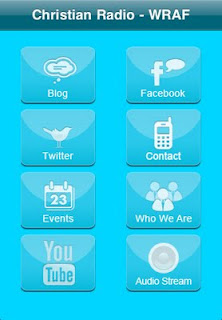
Instructions for downloading the FREE Christian Radio - WRAF iPhone application.
iPhone download instructions: · Tap on app store icon · Tap search · Search for WRAF · Tap the WRAF link in the search results · Tap the free install button to download the app to your device
iTunes Store instructions: · Click on iTunes store tab from your iTunes · Search for WRAF · Click "Free App" next to the WRAF application icon
To Listen to WRAF on your iPhone, follow these instructions:
•1) Go to the iTunes App Store on your iPhone. •2) Download the free program called FStream. •3) Open up Fstream on your iPhone. •4) Go to "Favorites" to setup the profile for WRAF. •5) Enter the following information •Name - WRAF •URL - mms://stream-a.den.liquidcompass.net/WRAFFM •Format - WMA •Bitrate (kbs) - 32 •6) It will then list "WRAF" in your list of available webstreams. You can click on "WRAF" to play the station!